
The US State Department just put $10 million on the table for information about a Russian hacking campaign that broke exactly zero encryption. No cryptographic flaw. No zero-day in Signal. No firewall bypass. The crews tracked as UNC5792 and UNC4221 talked their way into the messaging accounts of government officials the old-fashioned way: they got people to link a device. That is the state of cybersecurity in 2026, where the hardest target in your pocket gets owned by a QR code and a little patience.
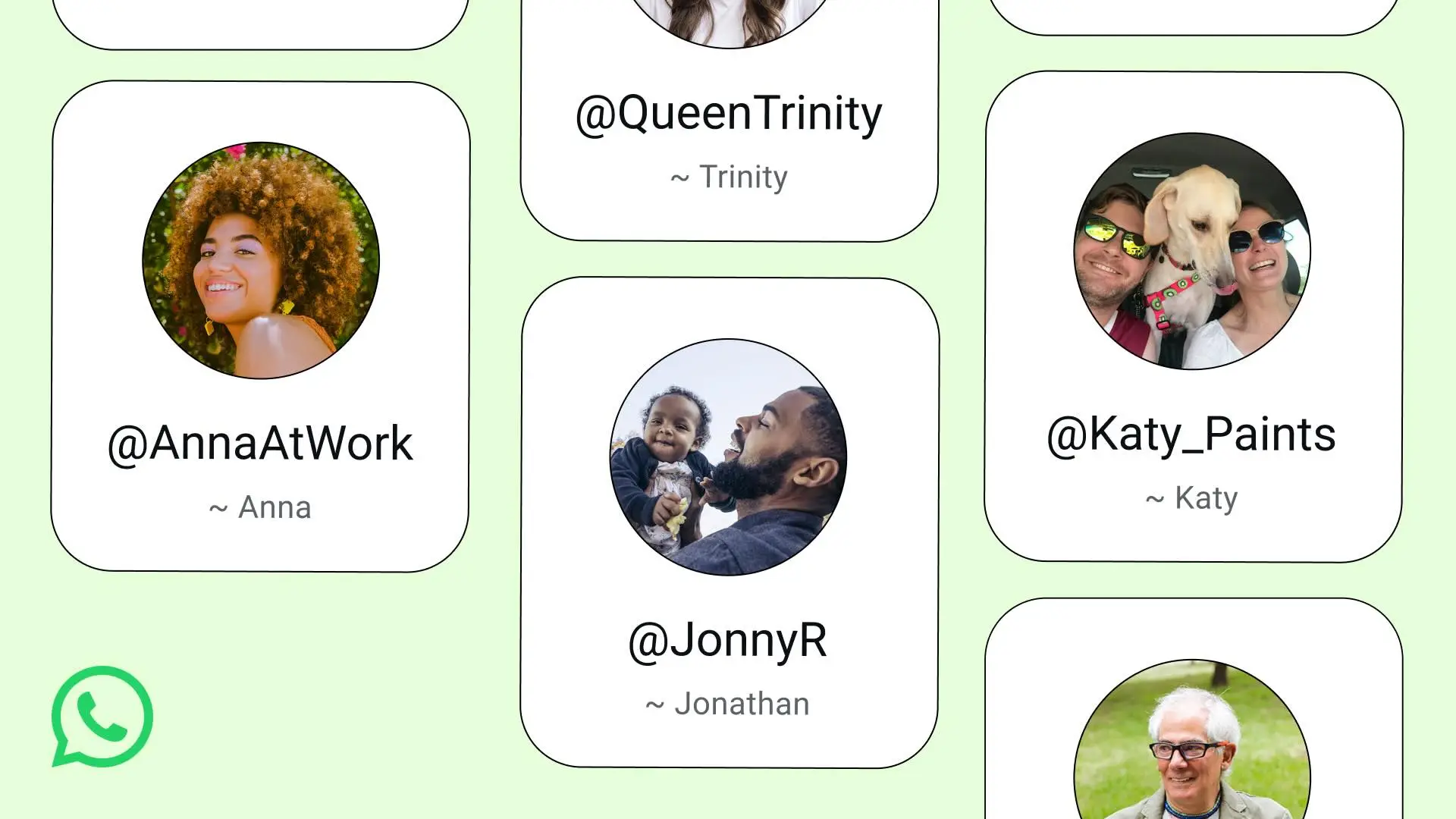
Meanwhile, on the same Monday, WhatsApp announced it’s rolling out usernames so you can stop handing strangers your phone number. Two stories, one uncomfortable truth. The encryption was never the weak point. The account around it always was.
The crypto held. The login didn’t.
Here’s the part that should bother you. Signal and WhatsApp both encrypt messages end to end, and as far as anyone can tell, that math is doing its job. So the Russian operators didn’t attack the math. They attacked the part where you, a human, decide to trust something on your screen.
The technique is device linking. Signal and WhatsApp both let you connect a desktop or secondary device by scanning a QR code. Attackers craft a lure, a fake group invite, a phony security alert, a spoofed official portal, and put their own linking QR code in front of the target. Scan it, and the attacker’s device is now a fully authorized companion on your account. They read everything going forward. Encryption stays perfectly intact the whole time, faithfully protecting the conversation it’s now delivering to a stranger.
No malware lands. No brute-force login fires off in the background for your threat detection to catch. There’s nothing for a perimeter to inspect because the user did the authorizing. That’s why this works against people who are otherwise careful, and it’s why a $10 million reward exists for a campaign that, on paper, looks almost boring.
A username won’t save you, but it’s not nothing
WhatsApp’s username feature is a real improvement, so credit where it’s due. Today, if someone has your phone number, they can probe whether you’re on the platform, message you, and use that number as a pivot for smishing and social engineering. Usernames let you keep that number private and hand out a handle instead. There’s also an optional username key, a secondary credential someone needs before they can message you cold.
That shrinks the attack surface. It does not close it. A username reduces who can reach you to start a conversation. It does nothing about the moment you scan a malicious QR code, because at that point you’re the one granting access. Privacy controls and account-takeover defenses are two different problems, and vendors love to ship the former while the latter quietly does the damage.
The lesson generalizes well beyond messaging apps. Reducing exposure and preventing compromise are separate disciplines. You want both, and you should never let a shiny privacy toggle convince you the harder problem is solved.
What actually locks down a messaging account
Good news: the defenses here are mostly free, mostly fast, and don’t require a single product. They require attention. Treat your linked-device list the way you’d treat your firewall rules, as a thing you audit on purpose instead of whenever you remember.
Immediate actions you can take today:
- Audit linked devices right now. In Signal and WhatsApp, open the linked-devices screen and remove anything you don’t recognize or no longer use. This is your single highest-value move, and it doubles as incident response if something’s already wrong.
- Treat every QR code as a credential. Scanning a linking code is the same as typing your password into the thing on the other end. If you didn’t initiate the link from a device in your own hand, don’t scan it.
- Turn on a registration PIN or lock. WhatsApp’s two-step verification and Signal’s registration lock stop an attacker from re-registering your number on their hardware. Phone-number-only recovery is the brute-force-free way accounts get stolen.
- Set the new username and username key if you’re on WhatsApp, and stop publishing your phone number in bios, signatures, and out-of-office replies.
- Verify safety numbers with people who matter. If a contact’s key changes unexpectedly, that’s your threat-protection signal that something moved.
Ongoing habits that keep it locked:
- Re-audit linked devices monthly. Put it on a calendar. Stale companion sessions are exactly what a quiet attacker counts on you never checking.
- Build the muscle of suspicion around urgency. “Verify your account now or lose access” is the script. Slow down, and the lure falls apart.
- Apply defense in depth to the device itself. A locked, patched, screen-locked phone limits what a stolen session can reach and how long it survives.
Stop treating chat apps like consumer toys
If officials are getting their Signal accounts hijacked, your executives and your incident-response team are using the same apps with the same exposure. Plenty of organizations run real coordination through Signal and WhatsApp precisely because they’re encrypted, then govern them with exactly zero policy. That’s the gap these crews walk through.

Security hardening for messaging isn’t a product purchase, it’s a set of decisions. Decide which apps are sanctioned for sensitive coordination. Decide that registration locks and device audits are mandatory, not optional. Decide that “my Signal got weird” is a reportable event that triggers a real response, not something an employee quietly fixes and forgets. The campaign behind this reward succeeded because nobody was watching the one screen that mattered: the list of devices allowed to read the conversation.
The attackers already understand that the account is the soft target. The encryption was never the fight. Whether you win the part you can actually control comes down to who’s allowed to link a device, and whether anyone’s bothering to look.
Sources
- US posts $10 million reward over Russian cyber campaign targeting Signal, WhatsApp
- WhatsApp Rolling Out Username Feature to Bolster Phone Number Privacy
Take Control of Your Server Security
Don't let brute-force attacks slow you down. Try IPBan Pro risk-free for 30 days.
Secure. Automated. Lightweight.

Take Control of Your Server Security
Don't let brute-force attacks slow you down. Try IPBan Pro risk-free for 30 days.
Secure. Automated. Lightweight.